
Repair or Replace Your Old Computer? How to Decide
Repair your computer if the fix costs less than half the price of a comparable new one and the computer can still get security updates. Replace it if the repair costs more than that, if it’s too old to run a supported version of Windows or macOS, or if it’s been breaking again and again.
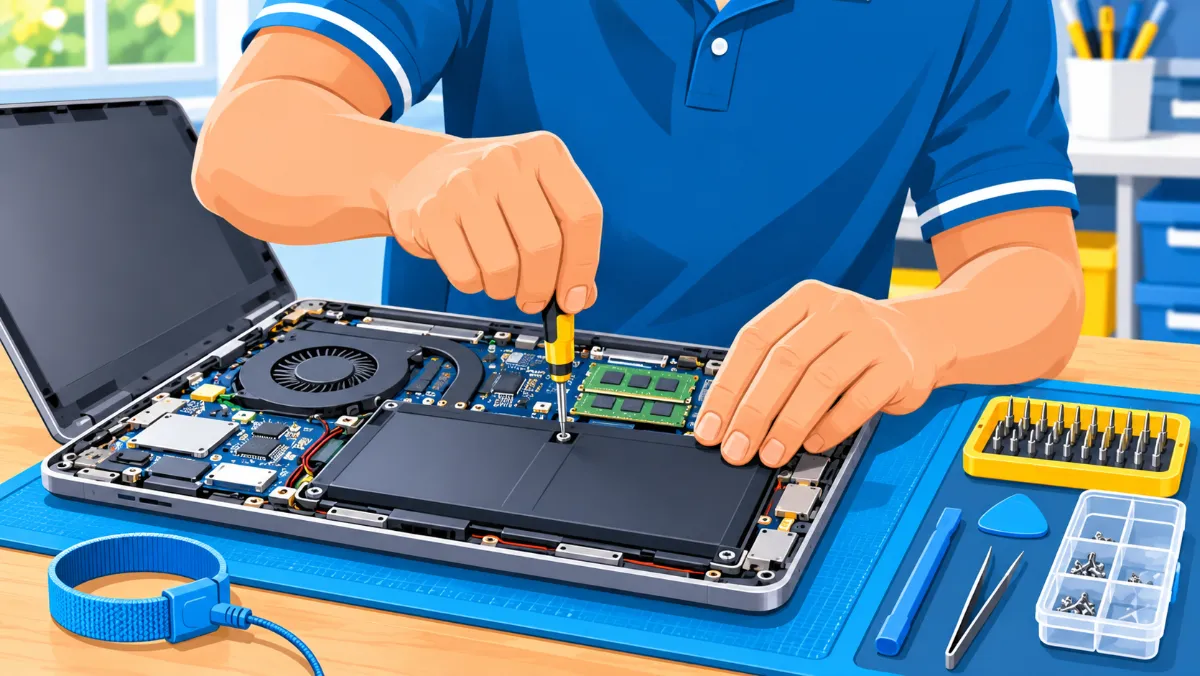
Here are 5 quick checks to help you decide.
1. Compare the Repair Cost to a New Computer
A common rule of thumb: if the repair is more than half the price of a new computer that does the same job, replace it. For example, a new battery for a laptop you like is usually worth it. A repair that costs most of the price of a new laptop usually isn’t. See our computer repair prices or read how much computer repair costs in NJ.
2. Check if It Still Gets Security Updates
A computer without security updates is easier for scammers and viruses to get into. Microsoft ended support for Windows 10 on October 14, 2025. If your PC can’t run Windows 11, that’s a strong reason to replace it. Macs also stop getting new macOS versions as they age. We can check your computer and tell you where it stands.
3. Look at What’s Actually Wrong
Some problems are cheap to fix and give an older computer more life:
- Battery won’t hold a charge: replace the battery.
- Cracked or flickering screen: replace the screen.
- Slow to start and open programs: a computer tune-up often helps. Older computers with a spinning hard drive can feel much faster with a solid-state drive (SSD).
- Viruses and pop-ups: virus removal fixes the software, not the hardware.
Other problems point toward replacing, like a failed main board on an older laptop or damage from a spill.
4. Think About How Old It Is
Age alone isn’t a reason to replace a computer. But an older computer that’s slow, can’t update and needs a big repair is usually done. Weigh all three together, not just the age.
5. Ask Yourself if It Still Does the Job
If the computer does what you need once it’s fixed, keep it. If you’ve been putting up with it for a while, a repair may only delay the inevitable.
Decided to Replace It? Don’t Lose Your Files
Before you buy, make a plan to move your photos, documents, email and passwords. Read how to move everything to a new computer, or let us do it with our new computer setup service. When the old computer is empty, here’s how to safely dispose of it.
Not sure which way to go? Call us. We’ll look at the problem and give you an honest answer, even if that answer is “buy a new one.”