Is That Pop-Up a Scam? How to Tell and What to Do
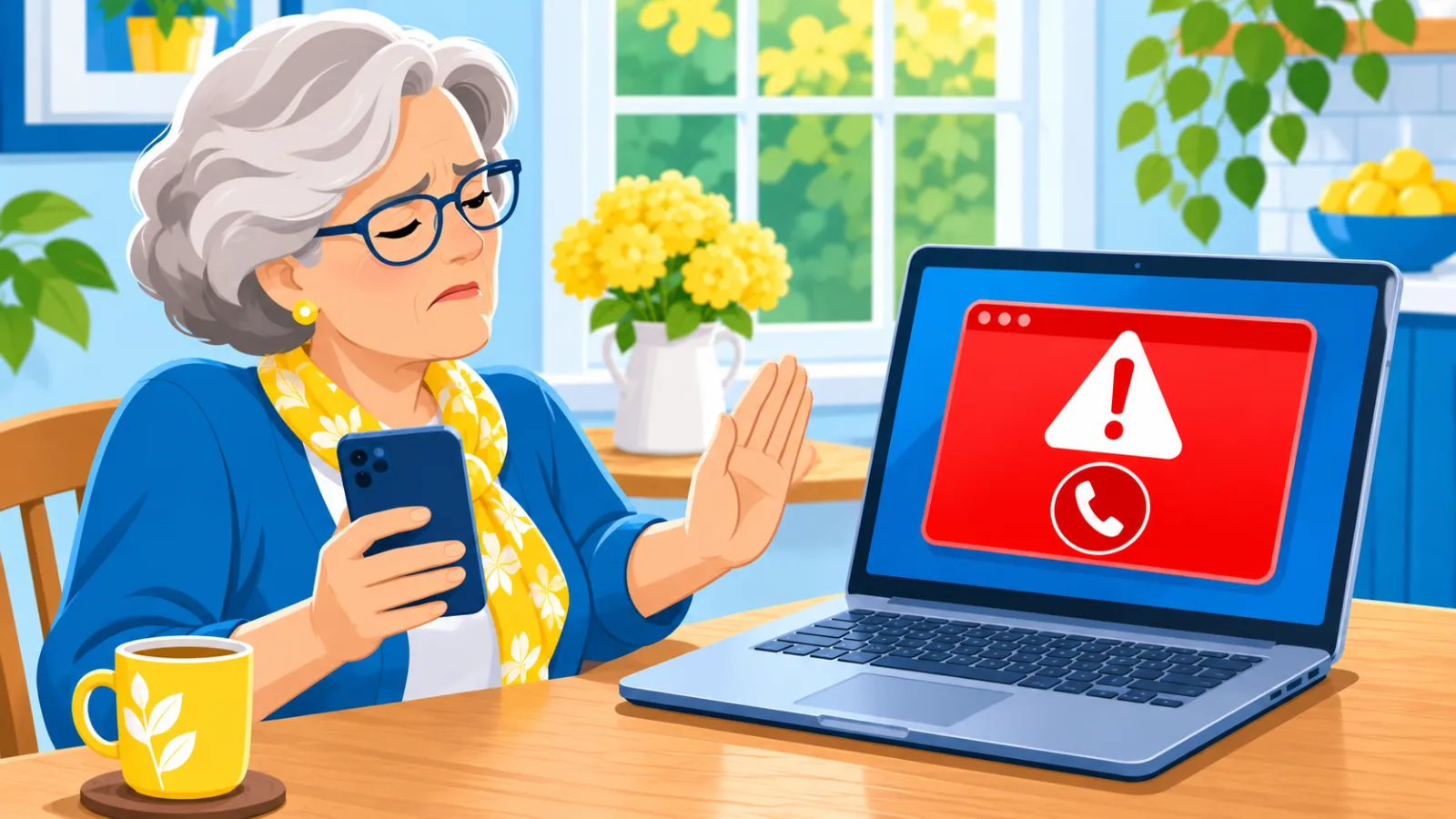
If a pop-up says your computer is infected and tells you to call a phone number, it’s a scam. Don’t call, don’t click and don’t pay. Close the browser and restart your computer. Microsoft says its real error and warning messages never include a phone number.

These fake warnings are built to scare you into acting fast. Here’s how to spot one and what to do next.
7 Signs a Pop-Up Is a Scam
- It shows a phone number and tells you to call “tech support,” Microsoft, Apple or Windows Defender.
- It’s loud. An alarm, beeping or a voice says your computer is in danger.
- It takes over the whole screen and won’t let you close the window.
- It rushes you. “Call within 5 minutes or your files will be deleted.”
- It says your computer is “locked” or your “license expired.”
- It asks to connect to your computer or to install a program.
- It asks for payment by gift card, wire transfer, cryptocurrency or a payment app.
How to Close a Scam Pop-Up
On Windows: press Ctrl + Alt + Delete, choose Task Manager, click your web browser and choose End task. Then restart the computer.
On a Mac: press Command + Option + Esc, choose your browser and click Force Quit. Then restart.
When you open the browser again, don’t reopen the tabs from last time. If the browser asks to restore your pages, say no.
Already Called or Let Them In? Do This Now
It happens to smart, careful people every day. Act fast and you can limit the damage.
- Hang up and turn off the internet. Unplug the network cable or turn off Wi-Fi so the scammer can’t stay connected.
- Call your bank and card company using the number on the back of your card. Tell them what happened.
- Don’t pay anything else, even if they call back with a “refund” offer. Fake refunds are part of the scam.
- Change your passwords from a different, trusted device. Start with email and banking.
- Get your computer checked for programs the scammer may have left behind. Our virus removal service cleans it out and checks your accounts.
- Report it to the Federal Trade Commission at ReportFraud.ftc.gov.
How Real Tech Support Works
Real support starts when you decide to call a company you chose. When you call us, you stay on the phone with your technician, you see everything we do on your screen, and you can end the session at any time. We only ask you to connect after you’ve called us. Learn how online computer repair works.
Protect Yourself Next Time
- Keep Windows or macOS and your web browser up to date.
- Don’t call phone numbers that show up in pop-ups, emails or search ads you didn’t expect.
- Turn on two-step verification for email and banking.
- Have a trusted person you can check with before paying anyone. For seniors and families, see our computer help for seniors.